Stop IPTV Channels Disappearing 2026: Quick Fix

IPTV channels disappearing nearly always traces back to one of four things: your app’s saved data has corrupted, your provider has pruned or moved its servers, your UK broadband is quietly blocking the stream, or your M3U playlist no longer matches what the app expects. The fast fix is to reload your playlist, clear the app cache, then switch your DNS. Most folks get their lineup back inside ten minutes. This guide walks you through the lot, step by step, so you can spot the real cause and put it right tonight.
TL;DR the short version
- A missing lineup is rarely your fault it’s usually cache, server sync, or an ISP block.
- Reload the playlist and clear the cache first that alone fixes about half of all cases.
- UK broadband providers do throttle and block some streams a different DNS or a VPN often sorts it.
- A shorter list usually means an expired line, a hit connection limit, or a changed M3U format.
- IPTV channels disappearing is almost always fixable from your sofa no engineer needed.
Table of Contents
Why are your IPTV channels disappearing all of a sudden?
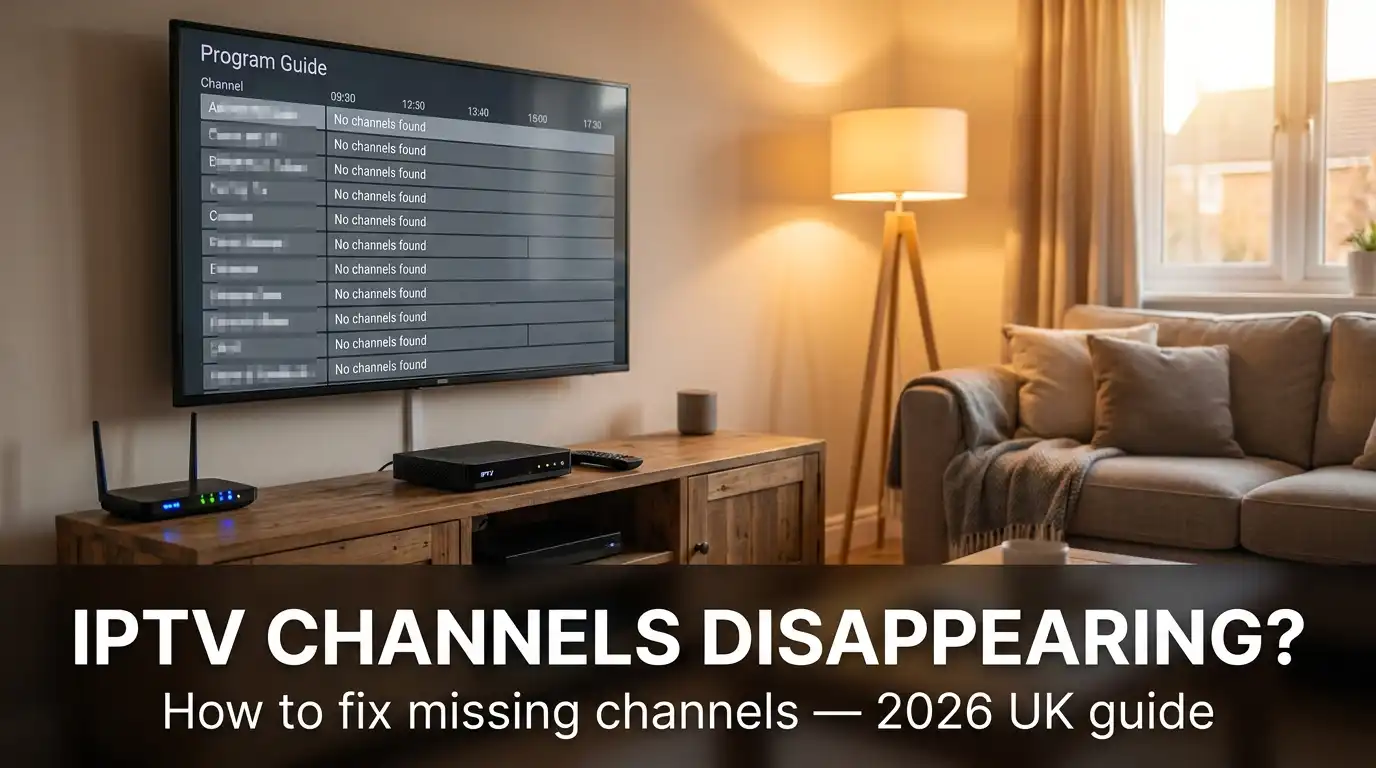
One night your telly’s full of channels, the next morning half of them are gone. Frustrating, isn’t it? The good news: IPTV channels disappearing is almost never permanent, and it’s rarely something you broke. Nine times out of ten the fault sits a long way from your living room on a server, in a playlist file, or somewhere along your broadband line.
Before you start poking at settings, it helps to know what you’re actually chasing. There are four usual culprits, and each one has a different fix.
The four reasons IPTV channels disappearing happens
- Local app data corruption the cache or saved playlist on your set-top box or Firestick has gone bad.
- Provider-side server sync your provider has updated, pruned, or reshuffled channels on their end.
- ISP dynamic blocks your UK broadband provider has flagged and blocked the streaming server.
- M3U playlist mismatch the playlist format changed and your app can no longer read every group.
Is it your app, your provider, or your broadband?
Before you change a single setting, work out where the fault sits. A two-minute triage saves you an hour of guessing. Match your symptom to the table below, then run the quick test underneath.
| Symptom | Likely cause | First thing to try |
|---|---|---|
| All channels gone, app opens fine | App cache or expired line | Reload playlist, check expiry date |
| IPTV some channels not working, the rest fine | Provider pruned or moved servers | Wait an hour, then refresh groups |
| List loads but it’s far shorter | M3U format change or connection limit | Re-add playlist, check max connections |
| Buffering then a black screen on some | UK ISP block or throttling | Switch DNS or try a VPN |
| Nothing loads at all | Server downtime or portal expired | Check your provider’s status |
Now the test:
- Open a channel you know worked yesterday.
- If it plays, the server’s fine your issue is local or playlist-based.
- If it won’t play, try the same channel on mobile data (4G/5G) instead of broadband.
- Works on mobile but not broadband? That points straight at a UK ISP block.
- Fails everywhere? The provider’s server is the culprit, not you.
How do you reload playlist channels and clear the cache?
This is the first thing I try on any callout, and it sorts more cases than anything else. A stale cache is the single most common reason a guide turns up half-empty.
Clear the app cache on a Firestick
- Hold the Home button and pick Settings.
- Go to Applications > Manage Installed Applications.
- Choose your IPTV app (TiviMate, IPTV Smarters, and so on).
- Select Clear cache, then Clear data only if the cache wipe didn’t help.
- Reopen the app and log back in.
Heads-up: clearing data wipes your login, so have your username and password to hand before you start.
IPTV reload playlist channels in TiviMate or Smarters
To IPTV reload playlist channels, head into your playlist settings and force a fresh pull from the server:
- Open Settings > Playlists.
- Select your playlist.
- Tap Update, or toggle auto-update off and back on.
- If a TiviMate update playlist error pops up, delete the playlist and re-add the same URL.
Re-adding the URL forces the app to sync M3U groups from scratch, which is what restores those hidden categories. If you’d rather not retype a long URL, copy it into a notes app first it saves a lot of squinting at the remote.
Why are IPTV some channels not working while the rest play fine?
If most of your lineup’s grand but a few favourites are dead, the fault sits with the source, not your kit. When IPTV some channels not working is the pattern, it’s usually one of two things: the provider has pruned those streams, or your group options have hidden them.
Restore missing IPTV categories
Sometimes the channels aren’t gone at all they’re switched off in your view. Check your group options before you panic:
- Open the channel groups menu.
- Look for a Hidden tab or Group options.
- Un-hide any categories that have been switched off.
- Re-sort the list by provider default.
Provider server update downtime is the other big one. When a provider updates overnight, certain streams drop out for an hour or two, then come back on their own. If only the sports or films section vanished, give it a little while before you chase it there’s a fair chance it’ll sort itself.
Could your UK broadband be behind IPTV channels missing
This one catches a lot of people out. UK ISPs Sky, BT, Virgin Media, TalkTalk use dynamic blocks, and they ramp these up around live football. A UK dynamic IPTV block targets the streaming server, not your account, so IPTV channels missing UK is often a network problem rather than a subscription one.
The tell-tale sign? A channel that plays fine on mobile data but dies on your home broadband. That’s a near-certain block.
Change your DNS or add a VPN
- Swap your DNS to Cloudflare (1.1.1.1) or Google (8.8.8.8).
- Restart your router and the app.
- Still blocked? Try a reputable VPN set to a UK server.
- Test the channel again.
Ofcom oversees how ISPs manage traffic, and rights holders renew their blocking orders each season worth a read if you want the background on why IPTV channels missing UK spikes during match weekends. [Please verify current blocking-order dates yourself, as they change every football season.]
Why is your IPTV channels list shorter than yesterday?
A sudden drop in numbers say 8,000 channels down to 3,000 usually means one of three things. If your IPTV channels list shorter than normal greets you at log-in, run through these in order:
- Expired line your subscription has lapsed or hit its renewal date. Our guide on IPTV portal expired walks through the check.
- Connection limit reached too many devices on one line. The server hands back an IPTV channels list shorter than usual to protect spare connections.
- M3U format mismatch the provider switched from M3U Plus to plain M3U, dropping the group data your app relies on.
If your box keeps booting you out, our notes on IPTV keeps logging out cover the connection-limit fix in detail. For a wider sweep of common faults, the IPTV UK problems page and our IPTV subscription UK checklist are handy bookmarks to keep.
How can you stop IPTV channels disappearing for good?
You can’t control your provider’s servers, but you can stop most IPTV channels disappearing on your own end with a few simple habits. Get these in place and the dreaded empty guide becomes a rare thing.
- Turn on auto-update for your playlist, set to refresh every 12 hours.
- Keep the app itself updated old versions choke on newer M3U formats.
- Note your renewal date in your phone so an expired line never blindsides you.
- Set a fast, reliable DNS as your router default.
- Restart your set-top box once a week to clear out junk.
An IPTV Smarters channel list empty screen, for instance, almost always clears after an app update plus a cache wipe. And if the EPG not loading 2026 bug hits your programme guide goes blank while channels still play refresh the EPG source on its own, separately from the playlist. They’re two different feeds, and people often forget that.
When should you ring your provider or switch?
If you’ve run the full checklist and your channels are still AWOL, the ball’s in your provider’s court. A decent provider fixes server faults within hours, not days. Drop them a message with your symptom (use the table above as a script) and a screenshot of the empty guide.
When do you walk away? If your provider goes quiet for a fortnight, keeps serving a half-empty guide, or can’t tell you why your streams keep dropping, that’s your answer. A reliable service shouldn’t need babysitting. It might be time to look at a more dependable cheap IPTV UK option that keeps its servers in good nick.
So, what’s the verdict? Sort the cache, refresh the playlist, rule out a UK block, then check your expiry that order fixes the majority of cases. IPTV channels disappearing feels like a disaster at 8pm on a Saturday, but most of the time you’ll have your telly back before the second half kicks off.
Frequently asked questions
Why have my IPTV channels disappeared overnight?
Almost always a provider-side server update or a stale app cache. The provider reshuffles channels overnight, and your app keeps showing the old list until you refresh it. Clear the cache and reload the playlist, and they should come back.
How do I get my missing IPTV channels back?
Clear the app cache, reload the playlist from settings, and un-hide any switched-off groups. If that fails, swap your DNS to rule out a UK broadband block, then check your subscription hasn’t expired.
Why are IPTV some channels not working but others are fine?
Because the fault is with specific streams, not your connection. The provider has likely pruned or moved those servers, or the channels are hidden in your group settings. Refresh the groups and give it an hour for any overnight update to settle.
Is IPTV channels missing UK a sign my subscription expired?
Not usually. IPTV channels missing UK is more often a dynamic ISP block, especially during live football. Test the channel on mobile data if it works there but not on broadband, it’s a network block, not an expiry.
How do I reload playlist channels on TiviMate?
Open Settings > Playlists, select your playlist, and tap Update. If you see a TiviMate update playlist error, delete the playlist and re-add the same URL to force a clean sync of all the groups.
Why is my IPTV channels list shorter than before?
Three common reasons: an expired or near-expired line, too many devices hitting your connection limit, or an M3U format change that dropped the group data. Re-add the playlist and check your device count first.
Will a VPN stop IPTV channels disappearing?
A VPN can stop IPTV channels disappearing when the cause is a UK ISP block, since it routes your traffic past the block. It won’t help if the problem is an expired line, a server fault, or a corrupt cache, so rule those out first.