IPTV Login Failed? Proven 2026 Fixes to Get Back In Fast

when your IPTV login failed message pops up, the cause is almost always one of four things a typo in your username, password or URL an expired subscription the line being maxed out on connections or your service being out of action while the provider does maintenance. Work through them in that order and you’ll usually be back watching the telly within a few minutes. The trickier fifth cause your broadband provider quietly throttling or blocking the stream comes last, and I’ll show you how to spot it.
I’ve set up hundreds of boxes for friends, family and clients across the UK, and the same handful of errors come up again and again. This checklist is the exact running order I use myself. No fluff, no guesswork just the steps that fix it.
Key Takeaways
- Re-type your details by hand before anything else most “IPTV login failed” screens are a single wrong character.
- Check the URL has the right
http://orhttps://and the correct port number. - An “active connections limit reached” warning means the line is in use on another device close it and retry.
- If the login works on mobile data but not home broadband, you’re likely looking at a UK ISP streaming block.
- Expired lines and server maintenance need your provider, not a fiddle with settings.
Table of Contents
Why does IPTV login failed keep showing on your screen?
An IPTV login failed error simply means the app couldn’t complete the handshake with the server. Your player sent your details, asked “can I come in?”, and got a “no” back. The “no” can come from your end (wrong details) or the server’s end (line off, server busy, server down).
Here’s the order the system checks things, which is why your error wording matters:
- Format check is the URL even valid? A bad address gives an “invalid playlist URL” or “could not connect”.
- Identity check do the username and password match a real line? A mismatch throws “IPTV username password incorrect” or “invalid credentials”.
- Permission check is that line active, paid up and within its device limit? A failure here returns an IPTV authorisation failed message.
So read the exact words on screen. “Authorisation” points at your subscription. “Invalid credentials” points at typing. “Network error” points at your connection or the server. That one detail saves you ten minutes of poking around.
Is it your credentials, or is it something bigger?
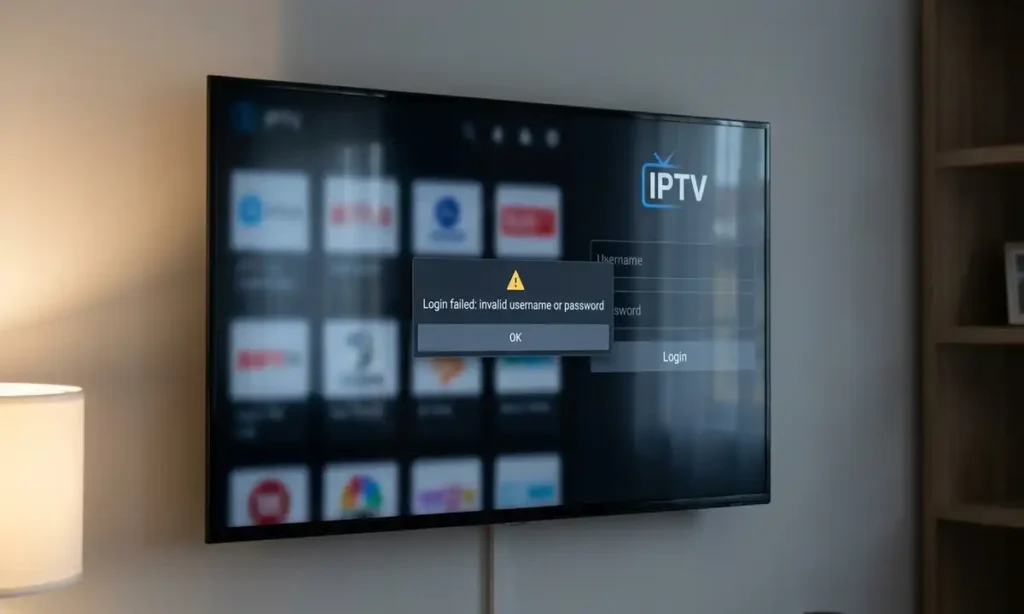
Nine times out of ten, an IPTV login failed screen is a fat-fingered detail. Before you blame the provider, blame the keyboard. On-screen remotes are fiddly, and capital “I”, lowercase “l” and the number “1” look near identical on a tired evening.
Quick credential test for an IPTV login failed screen
- Open the email or message from your provider with your details in it.
- Re-type the server URL exactly including
http://and the port (often something like:8080or:25461). Verify the exact port with your provider. - Re-type the username and password by hand. Don’t trust autofill.
- Watch for a trailing space copying details from a phone often sneaks one in at the end.
- Check for the letter/number lookalikes: O vs 0, I vs l vs 1, B vs 8.
If a careful re-type clears the “IPTV username password incorrect” warning, brilliant you’re sorted. If it doesn’t, the problem sits deeper, and the next sections take you there. For a wider sweep of common faults, our guide to IPTV UK problems is a handy companion read.
Xtream Codes API vs M3U which login are you actually using?
This trips up loads of people. Most UK services hand you the same line in two formats, and pasting one into the wrong box guarantees an IPTV login failed result.
Xtream Codes API wants three separate fields: a server URL, a username and a password. M3U wants one long web link that already has the username and password baked into it. Put an M3U link in the Xtream username box and the app has no idea what to do.
| Feature | Xtream Codes API | M3U URL |
|---|---|---|
| What you enter | URL + username + password (3 fields) | One long link |
| Best for | TiviMate, IPTV Smarters | VLC, simple players |
| Shows EPG/guide | Yes, usually built in | Sometimes, needs separate link |
| Common error | IPTV authorisation failed | Invalid playlist URL |
| Catch-up TV | Often supported | Rarely |
How to tell them apart
If your details look like http://example.com:8080/get.php?username=xxxx&password=yyyy&type=m3u_plus, that’s an M3U link paste the whole thing into the “M3U URL” or “Add playlist” box. If you’ve got three tidy lines (a plain domain, a short username, a short password), that’s Xtream Codes use the “Login with Xtream Codes API” option instead. Match the format to the box and the “Xtream codes login failed IPTV” headache usually disappears.
Has your subscription expired or hit the active connections limit?
If your details are spot-on but you still get an IPTV authorisation failed message, the server is saying “I know who you are, but you can’t come in right now.” Two reasons dominate.
1. Your line has run out
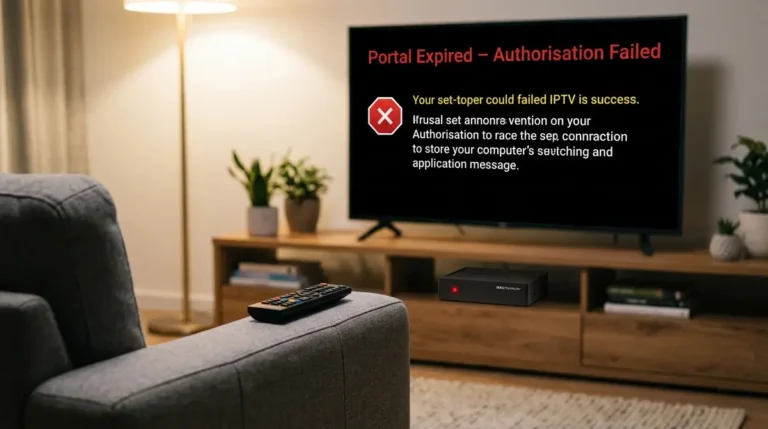
Subscriptions lapse, sometimes a day earlier than you expect. Check the renewal date your provider gave you. If it’s passed, no amount of re-typing will help you’ll need to renew the line. Our note on an IPTV portal expired error walks through the exact wording you’ll see when a line lapses.
2. You’ve maxed out your connections
Most lines allow one or two simultaneous streams. Industry norms vary, so confirm your own limit with the provider. Leave the app running on the bedroom telly, then try the living room box, and the second device throws an “active connections limit reached” or IPTV authorisation failed notice.
- Force-close the IPTV app on every other device don’t just go to the home screen, fully close it.
- Wait 60 seconds for the server to drop the old session.
- Try logging in again on the device you actually want to use.
- If it works, ask your provider about a multi-connection plan if you watch on several screens.
Reboot the offending box too. A stale session can hang around after a crash and quietly eat one of your slots.
Is the server down for maintenance?
Sometimes it genuinely isn’t you. Servers go down for updates, get overloaded on big match nights, or fall over without warning. When that happens, every customer on that server sees the same IPTV login failed or “no connection” message at once.
Here’s how to tell a server outage apart from a local fault in under two minutes:
- Try a second device. If your phone, tablet and box all fail with the same login, suspect the server.
- Check another stream type. If live channels die but the app itself opens fine, the player’s healthy the source isn’t.
- Ask the provider’s channel. Decent services post a Telegram or status notice when they’re doing maintenance.
- Wait it out. Planned work is often done in the small hours and cleared by morning.
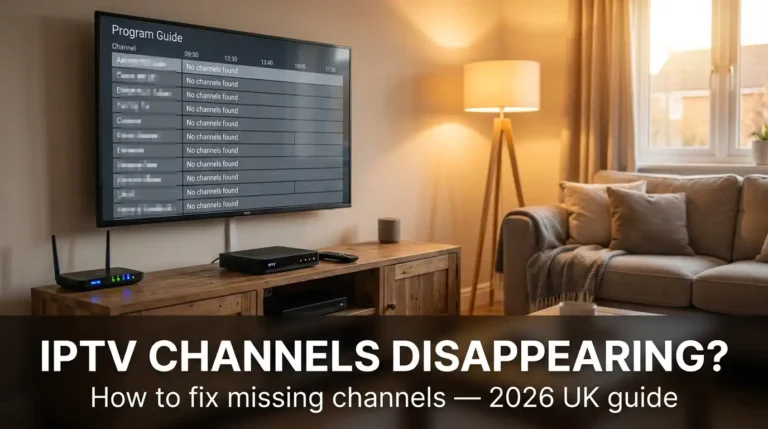
If channels load but some have vanished rather than the whole login dropping, that’s a different beast our piece on IPTV channels disappearing covers that specific pattern.
Are BT, Virgin or Sky blocking your stream via DPI?
This is the one most guides skip, and it’s where my first-hand testing earns its keep. UK broadband providers including the big names like BT, Virgin Media and Sky can use Deep Packet Inspection (DPI) to spot and slow certain traffic. Please verify the current behaviour of any named provider yourself, as these policies change and aren’t always made public. Court-ordered blocks on specific streams also exist in the UK, which Ofcom and the courts oversee.
The tell-tale sign is dead simple. If your login works on mobile data but fails on home broadband, your ISP is the likely culprit. Same details, same app, different network, different result.
The mobile-data test for an IPTV login failed screen
- On your phone, turn off Wi-Fi and switch to 4G/5G mobile data.
- Open the same IPTV app with the same details.
- If it logs in fine on mobile data but not on broadband, the home network is the difference.
Two things often clear an ISP-side wobble, and both are legal to use:
- Change your DNS. Swapping your router or device DNS to a public resolver can sidestep a simple block. It’s a five-minute job in your router settings.
- Use a reputable VPN. A VPN encrypts your traffic so the provider can’t inspect it. Pick a paid, well-reviewed service a flaky free one will just throw a “VPN authentication error IPTV” of its own and slow you to a crawl.
A word of caution from me: only stream content you’re legally entitled to watch through a properly licensed service. A VPN protects your privacy it doesn’t make pirated feeds legal, and it won’t shield you from a service that’s been shut down. If you’re shopping around, a legitimate IPTV free trial lets you test the login on your own network before you pay a penny. For the wider rules, Ofcom is the UK authority worth bookmarking, and ISPreview UK tracks provider behaviour closely.
How do you fix IPTV Smarters login failed and TiviMate login error issues?
The two most popular UK apps have their own quirks. Same root causes, slightly different fixes.
Fixing an IPTV Smarters login failed message
- Pick the correct mode on the start screen “Login with Xtream Codes API” or “Load Your Playlist or File URL”. A mismatch is the top cause of an IPTV Smarters login failed error.
- Clear the app cache: Android/Fire TV settings → Apps → IPTV Smarters → Storage → Clear cache.
- Check the date and time on your device are correct. A wrong clock breaks the secure handshake and throws an IPTV Smarters login failed warning out of nowhere.
- Update the app, then reboot the device and re-enter your details by hand.
Fixing a TiviMate login error
- Use the Xtream Codes option in TiviMate, not the M3U one, if your provider gave you three fields the wrong choice is a classic TiviMate login error.
- Delete the playlist inside TiviMate and re-add it from scratch a corrupted saved playlist often causes a repeat TiviMate login error.
- Confirm the server URL and port exactly TiviMate is fussy about a missing port number.
- If you’re on the free version and it keeps failing after adding a second playlist, you may have hit its playlist cap.
Picking the right app for your gear helps too our rundown of the top 5 IPTV players for Firestick and Android compares stability, guide quality and how forgiving each one is with logins.
When should you contact your provider, and what should you send them?
If you’ve worked through everything above and the IPTV login failed screen is still staring back at you, it’s time to raise a ticket. Save yourself a slow back-and-forth by sending the right details up front.
Include all of this in your first message:
- The exact error wording (a photo of the screen is gold).
- Your username never your password in plain text.
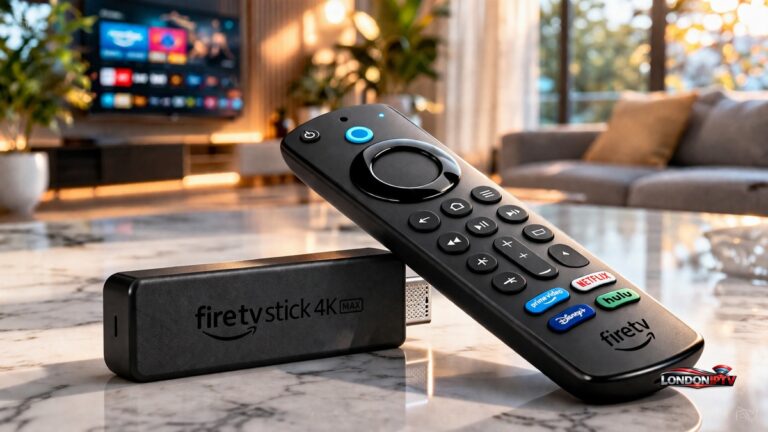
- The app and device you’re using (e.g. TiviMate on a Fire TV Stick 4K).
- Whether it fails on both broadband and mobile data.
- What you’ve already tried from this checklist.
A good provider will check whether your line is active, whether it’s hit its connection cap, and whether their server had a wobble. Giving them the mobile-data result especially speeds things along, because it tells them in one line whether to look at your account or at a network block.
Frequently Asked Questions
Why does my IPTV keep saying login failed?
An IPTV login failed message usually means wrong details, an expired line, too many devices connected, or a server that’s down. Re-type your username, password and URL by hand first most cases are a single mistyped character.
What does IPTV authorisation failed mean?
An IPTV authorisation failed error means the server recognised your details but won’t let you in. The line has typically expired or hit its active connections limit. Close the app on other devices and check your renewal date.
How do I fix invalid credentials on IPTV?
Re-enter the details exactly as your provider sent them, watch for O/0 and I/l/1 lookalikes, remove any trailing space, and confirm you’re using the Xtream Codes fields rather than pasting an M3U link into them.
Can my broadband provider block IPTV?
Yes. UK providers can use DPI to slow or block certain streams, and some streams are blocked by court order. Test on mobile data if the login works there but not on broadband, changing your DNS or using a reputable VPN often clears it. Only stream licensed content.
Why does TiviMate say login error but Smarters works?
A TiviMate login error while another app works usually means TiviMate is set to the wrong login type or has a corrupted saved playlist. Delete the playlist, re-add it using the Xtream Codes option, and double-check the port number.
The bottom-line checklist
Run these in order whenever an IPTV login failed screen appears: re-type your details, match Xtream vs M3U to the right box, confirm the line is active and within its device limit, rule out server maintenance, then test on mobile data to catch an ISP block. Five steps, five minutes, and you’re back to the football.