IPTV on Apple TV: The Ultimate Proven Setup Guide 2026

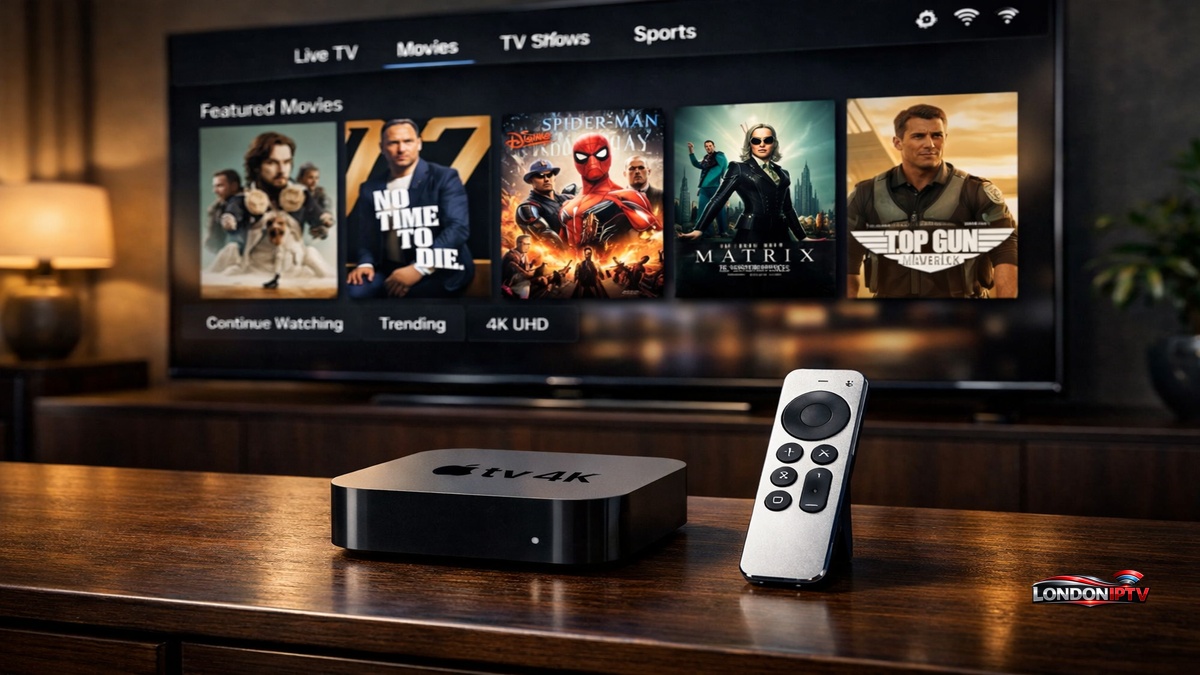
Table of Contents
Trying to work out how to watch IPTV on Apple TV without hitting a wall of confusing tutorials? You’re in the right place. Whether you’re asking whether you can install IPTV on Apple TV for the first time, or you just want a quicker method than the one you’ve already tried, this guide covers the lot: the apps, the step by step instructions, and the real fixes, all in plain language.
Why IPTV on Apple TV Is the Smartest 4K Streaming Setup You Can Build
IPTV on Apple TV sits right at the top of the home streaming food chain, and for good reason. The Apple TV 4K packs an A15 Bionic chip that handles 4K HDR and Dolby Vision streams without a single hiccup, and tvOS keeps the whole app experience fast and responsive.
Plenty of people genuinely wonder whether they can use IPTV on Apple TV without buying a separate Android box or Fire Stick. The answer is yes. The Apple TV 4K has a full App Store with dedicated IPTV players ready to download, so you can go from unboxing to live streaming in under ten minutes.
What You Need Before You Install IPTV on Apple TV
Before you start, make sure every item on this list is ready:
- An Apple TV 4K (3rd generation recommended) or an Apple TV HD running tvOS 14 or later
- A valid IPTV subscription, either an M3U URL or an Xtream Codes login from your provider
- A stable internet connection, 10 Mbps minimum for HD streams and 25 Mbps for 4K
- An Apple ID linked to your device for App Store access
- Your provider’s server URL, username and password saved and ready to paste
- Optional but recommended: a USB C Ethernet adapter for a direct wired connection
Here’s something people regularly skip on a first setup: update tvOS before you install any IPTV app. Outdated firmware is the number one cause of app crashes and login errors during a first time setup. Update first, then install, and you’ll save yourself the frustration entirely.
Best Apps to Set Up IPTV on Apple TV Right Now
Choosing the right player is genuinely half the battle. Here’s how the top options compare on tvOS:
| App | Free? | M3U Support | Xtream Codes | EPG | 4K / HDR | Best For |
|---|---|---|---|---|---|---|
| iPlayTV | Yes | Yes | Yes | Yes | Yes | Power users |
| UHF Player | Yes | Yes | Yes | Yes | Dolby Vision | Premium quality |
| Smarters IPTV | Yes | Yes | Yes | Yes | Yes | Beginners |
| IBO Player | Yes | Yes | Yes | Yes | Yes | Simple setups |
| VLC for Apple TV | Yes | Yes | No | No | Yes | Free M3U users |
| TiviMate | Sideload only | Yes | Yes | Yes | Yes | Advanced users |
iPlayTV, Smarters IPTV, IBO Player and UHF Player are all available straight from the tvOS App Store with no workarounds. TiviMate is the exception, since it isn’t natively on tvOS and needs sideloading through AltStore from an iPhone running iOS, which resets every seven days on a free developer account. For day to day use, iPlayTV and Smarters IPTV are the two strongest starting points by a clear margin.
Can You Install IPTV on Apple TV? The Honest Answer
Yes, and the answer is refreshingly clean: absolutely, with no jailbreak required whatsoever.
The standard method is to install IPTV straight through the tvOS App Store. Open the App Store, search for iPlayTV, UHF Player, Smarters IPTV or IBO Player, and tap Get. The apps install in seconds and are ready to configure right away. If you want to avoid any sideloading or technical workarounds, all four of those have you covered: native, clean and stable.
The only real exception worth knowing is TiviMate, which isn’t on the tvOS App Store. Getting it onto an Apple TV 4K means using AltStore on a paired iPhone, downloading the IPA file, and signing it onto the device manually. For the vast majority of people, the native App Store players perform just as well and need no maintenance at all.
How to Set Up IPTV on Apple TV: Full Step by Step
Here’s the exact process from a clean device:
- From the Apple TV 4K home screen, open the App Store
- Use the Siri Remote to search for your chosen app, whether that’s iPlayTV, Smarters IPTV or IBO Player
- Select the app and click Get to download and install it
- Launch the app from your tvOS home screen
- Choose your connection method, either M3U URL or Xtream Codes API
- Enter your provider’s server URL, username and password in the relevant fields
- Let the app load your channel list and fully sync the EPG data
- Pick a channel and confirm your stream is playing cleanly
The whole thing takes around five minutes once your credentials are ready. Smarters IPTV has the most beginner friendly login flow of all the native tvOS apps, since it validates your connection before loading the full playlist. That way you know straight away if something’s wrong, rather than finding out after a long load.
How to Use iPlayTV and UHF Player for IPTV on Apple TV
iPlayTV is one of the best native tvOS IPTV apps going, and it’s been on the App Store long enough to be thoroughly battle tested across every recent Apple TV 4K model:
- Open iPlayTV from your tvOS home screen after installing it from the App Store
- Go to Settings, then Add Playlist
- Choose your source, either M3U URL or Xtream Codes API
- Paste your provider’s server URL and credentials, then tap Save
- Your full channel list loads sorted by category, complete with EPG programme data
- Use the Siri Remote to scroll through categories and launch streams with a single click
UHF Player is the pick if you want the absolute sharpest picture quality. Its tvOS video engine is built specifically for HDR and Dolby Vision content, handling high bitrate HEVC streams more cleanly than almost anything else on the platform. On an Apple TV 4K paired with a premium 4K OLED display, the difference is genuinely noticeable.
Can You Use IPTV on Apple TV for Free? Real Options Explained
If you’re wondering whether you can use IPTV on Apple TV without paying for a subscription, there are several genuine options:
- Pluto TV: available directly on tvOS via the App Store, with more than 300 free live channels, fully ad supported and no account needed
- Plex: free live TV channels through the Plex tvOS app, with a clean, TV friendly interface
- Tubi: a large free on demand library with some live news channels included
- VLC for Apple TV: a free player that loads public M3U playlists, with no EPG support but fully functional for free to air streams
- Free M3U playlists: publicly hosted GitHub lists from projects like iptv-org load straight into iPlayTV or IBO Player for thousands of free to air channels worldwide
The honest answer for free viewing in the long run is that public M3U lists are unreliable. Channels drop out, get geo blocked, or vanish without warning. A paid subscription, usually somewhere around $5 to $15 a month, gets you stable HD and 4K streams, proper EPG data, and actual support when something breaks.
Quick Troubleshooting for IPTV on Apple TV
Having problems? Here are the fastest fixes for the most common issues:
- App not in the App Store: Check your Apple ID region in Settings, and switch to the US or UK region for the widest app availability on tvOS
- Black screen on streams: Switch the stream format from HLS to TS inside your app’s player settings
- Smarters IPTV not connecting: Double check your Xtream Codes server URL, since a missing “/” at the end breaks connections silently
- IBO Player freezing on 4K: Enable hardware decoding in the video settings, since software decoding overloads tvOS on high bitrate HEVC streams
- EPG guide not loading: Re enter your XMLTV URL in the app settings and force a manual guide refresh
- TiviMate sideload expired: Re sign the IPA through AltStore on your iPhone every seven days, which is unavoidable on a free Apple developer account
Performance Tips to Get the Most From IPTV on Apple TV
Once your setup’s live, these adjustments make a real difference to daily streaming:
- Go wired. A USB C Ethernet adapter on the Apple TV 4K kills off buffering far more reliably than even strong 5GHz Wi-Fi ever will
- Enable hardware decoding. Every app in the table supports hardware accelerated playback on the Apple TV 4K, so make sure it’s switched on in each app’s video settings
- Clear app cache monthly. Go to tvOS Settings, then Apps, select your IPTV player, and clear its cached data every few weeks to head off slowdowns
- Trim large playlists. M3U files with more than 10,000 channels slow every tvOS IPTV app right down, so filter down to the channels you actually watch
- Schedule EPG refresh overnight. Automatic guide updates through the night avoid any lag during peak viewing hours
- Turn on Do Not Disturb during live sport. tvOS notification banners can interrupt full screen playback and sometimes pause streams mid game
Whether you go with iPlayTV for its depth, UHF Player for its picture quality, Smarters IPTV for its beginner friendly setup, or IBO Player for its simplicity, you’ve now got everything you need to set up IPTV on Apple TV the right way. And if anyone ever asks whether they can install IPTV on Apple TV without extra hardware or technical know how, you already know the answer: yes, and it takes less than ten minutes. IPTV on Apple TV is genuinely one of the best cord cutting setups you can build in 2026.